The Business Case for Responsive E-commerce Design in 2026
Responsive e-commerce design is the practice of building an online store with a single, flexible codebase that automatically adapts its layout, images, and navigation to fit any screen—phone, tablet, or desktop—without sacrificing speed, usability, or sales performance.
If you want the short answer:
What responsive e-commerce design does for your store:
| Area | Impact |
|---|---|
| Mobile traffic | Captures the majority of shoppers who browse on phones |
| SEO rankings | Supports Google’s mobile-first indexing with a single URL |
| Conversion rates | Reduces friction that causes cart abandonment |
| Page speed | Supports Core Web Vitals targets that affect search visibility |
| Brand trust | Delivers a consistent experience across every device |
Here is why this matters now.
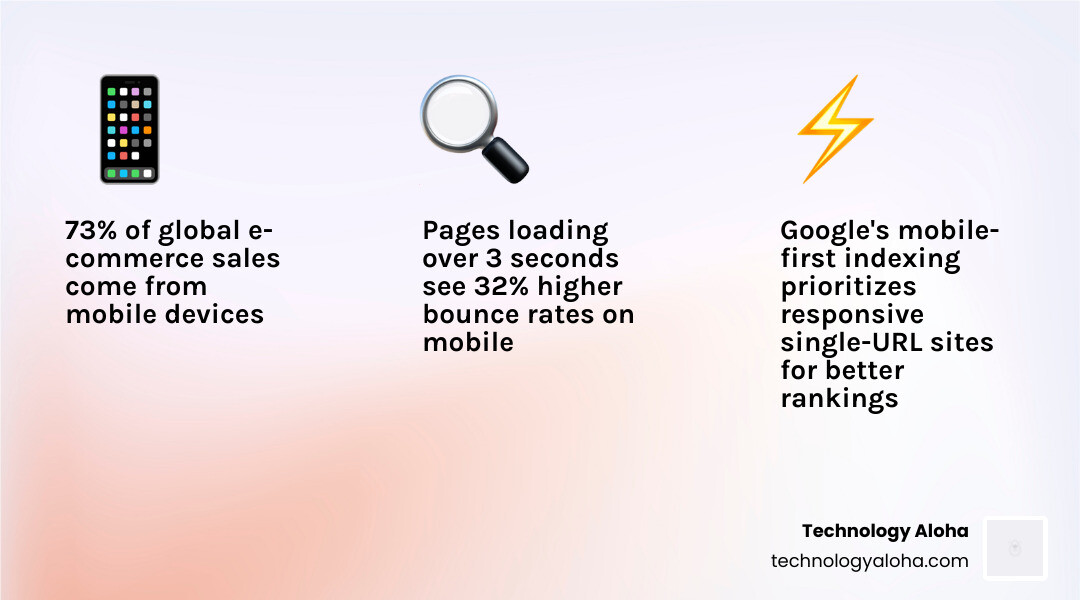
Most e-commerce traffic comes from mobile devices. That means most potential customers are not sitting at a desk. They are on a phone, often with one thumb, while doing something else. If your store is slow, cramped, or hard to navigate on mobile, they leave.
That is not a design problem. It is a revenue problem.
A non-responsive store in 2026 does more than inconvenience visitors—it costs you customers, rankings, and sales. A well-executed responsive design fixes all three.
This guide explains how to build, test, and improve a responsive e-commerce store—whether you are starting from scratch, upgrading an existing site, or trying to find what is depressing mobile conversions.
Responsive e-commerce design word guide:
- Master the 7 Principles of Conversion-Centered Design Today
- Conversion Focused Web Design Ultimate Guide
- How to Build a Conversion-Focused Web Design That Actually Works
What Responsive E-commerce Design Actually Means
At its core, responsive design means one store, one URL structure, one codebase, and many layouts. The same site reshapes itself to fit the device in front of the shopper. That includes the homepage, category pages, product detail pages, cart, and checkout.
For e-commerce, that matters more than it does for a brochure site. A store has moving parts: filters, search, product galleries, quantity selectors, forms, payment fields, and trust signals. Every one of those elements has to stay clear and usable on smaller screens.
For a broader foundation, read What Is Responsive Web Design.
Responsive web design vs. mobile-friendly vs. adaptive
These terms get mixed together, but they are not the same.
- Mobile-friendly means a site is usable on a phone, but it may simply shrink the desktop layout
- Adaptive design loads preset layouts for specific screen sizes
- Responsive design uses fluid layouts, flexible media, and CSS rules to adjust continuously across devices
Why does this matter for SEO and maintenance?
- Responsive design supports a single URL and one primary codebase
- That makes crawling simpler
- It reduces the risk of duplicate content issues
- It keeps design and content consistent across devices
In plain English: responsive design bends, adaptive design swaps, mobile-friendly merely survives.
How responsive e-commerce design works on storefronts
A responsive store changes behavior, not just size.
On a homepage, large multi-column modules stack vertically on mobile. On collection pages, product grids shift from four columns to two or one. On product pages, image galleries become swipeable. Navigation collapses into a compact menu. A cart page becomes a cart drawer. Checkout fields switch to mobile-native keyboards for email, phone, and ZIP code entry.
The best responsive storefronts also account for thumb zones. Shoppers should not need finger yoga to add an item to the cart.
Why responsive e-commerce design is now business-critical
This is not about appearances.
- More than half of shopping traffic comes from mobile devices
- Mobile shopping continues to account for a growing share of e-commerce revenue
- Page speed directly affects willingness to buy
A shopper does not separate design from trust. If your site feels cramped, unstable, or slow, the shopper assumes your business is too. That is why responsive design lowers bounce rates, reduces abandoned carts, and improves credibility in the first few seconds.
Why Responsive E-commerce Design Improves SEO, Visibility, and Performance
Responsive design helps SEO because it helps users. Google has made that connection explicit.
A responsive store supports mobile-first indexing, clearer crawl paths, stronger engagement, and better performance metrics. It also makes it easier to balance technical SEO with real human usability—a topic we cover in Why You Need to Balance SEO and User Experience in Your Web Design. For current guidance on mobile-first indexing and page experience, see Google’s documentation on mobile-first indexing best practices and Core Web Vitals.
How Google evaluates responsive stores in 2026
Google primarily evaluates the mobile version of your site for indexing and ranking. If your desktop experience is polished but your mobile experience is weak, your SEO pays the price.
Google looks at factors like:
- Whether content on mobile matches the important content on desktop
- Whether pages are crawlable and structured cleanly
- Whether a single URL serves users consistently
- Whether users engage instead of bouncing back to search results
Responsive design supports all of this by simplifying the technical picture.
The Core Web Vitals that matter most for e-commerce
The three performance signals that matter most are:
- LCP—Largest Contentful Paint, which measures loading speed
- INP—Interaction to Next Paint, which measures responsiveness after user input
- CLS—Cumulative Layout Shift, which measures visual stability
Good e-commerce targets in 2026 are generally:
- LCP under 2.5 seconds
- INP under 200 milliseconds
- CLS under 0.1
These are not vanity metrics. A slow hero image, bloated app scripts, or a checkout button that jumps while loading can affect both rankings and revenue.
Why speed and stability directly affect rankings and revenue
As load time rises, bounce probability rises with it. For e-commerce, that means:
- Slow category pages reduce product discovery
- Slow product pages reduce add-to-cart actions
- Slow checkout increases abandonment
- Unstable layouts undermine trust right when users are deciding to pay
Fast sites feel easier. Easier sites sell more.
The Technical Foundations of Responsive E-commerce Design
The building blocks of responsive design have not changed, but the standard for execution has. Today we use fluid grids, flexible media, modern CSS layout systems, and performance-aware front-end patterns together.
For a broader look at our design philosophy, visit Web Design.
Build with fluid grids and mobile-first breakpoints
Fluid grids replace fixed pixel widths with relative units such as percentages, rem, and em. Instead of forcing content into rigid boxes, the layout expands and contracts with the viewport.
Best practices:
- Start with mobile-first base styles
- Use min-width media queries to enhance for larger screens
- Let content determine breakpoints—not arbitrary device lists
- Use CSS Grid and Flexbox for reflowing layout patterns
- Keep hierarchy clear on small screens before adding desktop complexity
That last point matters. If the mobile version feels stripped-down and confused, desktop polish will not save it.
Use flexible images, modern formats, and stable media containers
E-commerce lives or dies on visuals, but heavy media is one of the fastest ways to wreck mobile performance.
Use:
- WebP or AVIF for smaller file sizes
- srcset and sizes to serve the right image per screen
- Lazy loading for below-the-fold images
- Width and height attributes or aspect-ratio to prevent layout shift
- Consistent product image ratios so grids stay clean
Flexible images should scale without distortion, load quickly, and not shove your add-to-cart button halfway down the page at the last second.
Make typography, buttons, and forms work on touch devices
Responsive e-commerce is not complete until the text is readable and the controls are tappable.
Standards to follow:
- Body text at 16px minimum on mobile
- Touch targets at least 44 × 44 pixels
- Strong color contrast
- Clear button states
- Short forms with autofill support
- Native input types for email, phone, and numeric fields
- Digital wallet options where appropriate
Sticky add-to-cart bars help on long product pages by keeping the primary action visible.
Design search, navigation, and checkout for small screens first
Three store features deserve special attention because they have the most direct impact on sales:
-
Navigation A large desktop mega menu rarely works on mobile. Simplify categories, use clear labels, and keep essential links within thumb reach.
-
Search Customers who use search convert at higher rates than the average shopper. That only helps if the search bar is easy to find and use on mobile.
-
Checkout Guest checkout, fewer steps, larger form fields, and fewer distractions reduce abandonment.
For product-page essentials, see 4 Things You Need to Include on Your Product Pages.
How Responsive Design Lifts Conversion Rates and Reduces Cart Abandonment
Better responsive design does not create demand. It removes the friction that keeps demand from turning into revenue.
That distinction matters.
Responsive design improves conversion by making the buying path obvious, fast, and trustworthy across devices. For more on this, see How to Achieve High Conversion E-Commerce Success and The Complete Guide to High Conversion Websites.
The UX patterns that turn mobile visits into sales
The highest-performing mobile stores share the same traits:
- Clear visual hierarchy
- Obvious calls to action
- Sticky add-to-cart or checkout buttons
- Product photos that load fast and zoom cleanly
- Short forms
- Search-first discovery for large catalogs
- Reviews, shipping info, and return details presented clearly
- Consistent branding from first click to final checkout
A responsive design also supports cross-device shopping behavior. Many buyers discover on phone, compare on laptop, and complete the purchase later on another device. Consistency makes that handoff seamless.
Real-world outcomes from better responsive experiences
The pattern is consistent: when stores improve mobile usability, bounce rates drop and conversions rise.
The exact numbers vary. The direction does not.
Common mistakes that kill mobile conversions
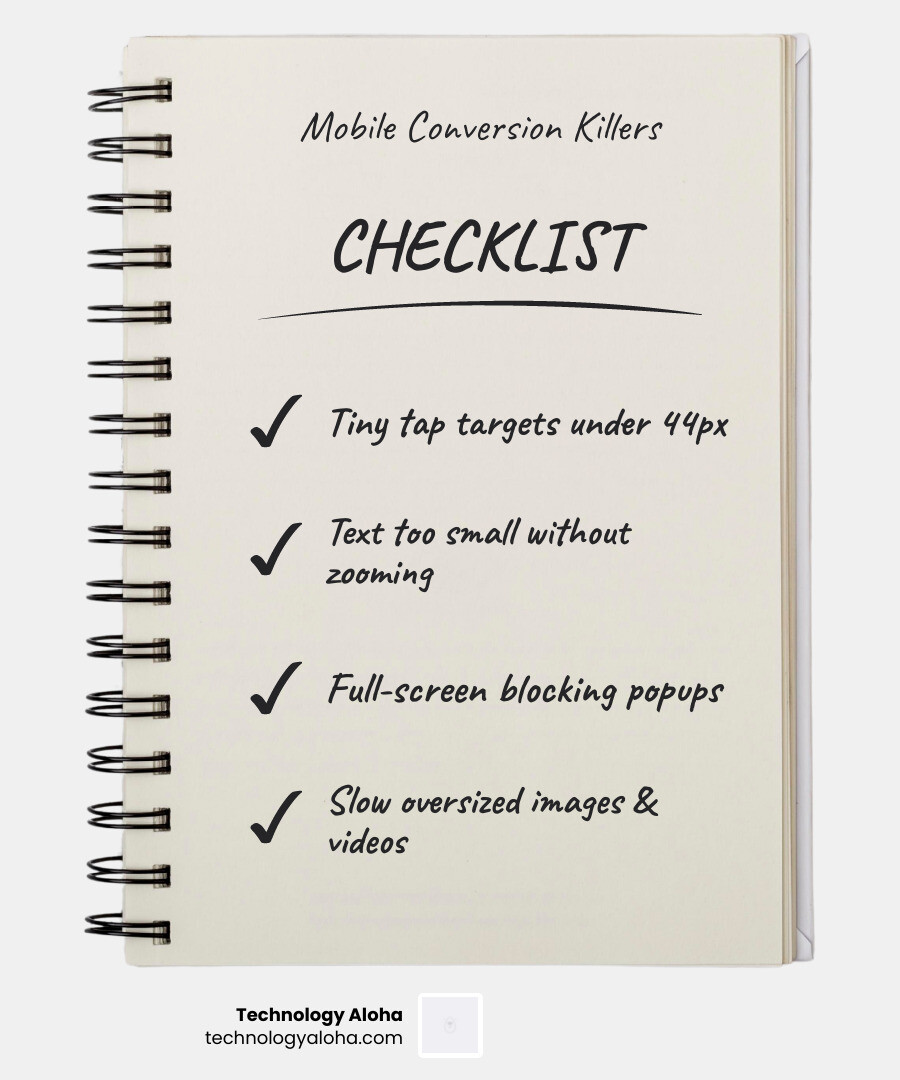
Here are the usual offenders:
- Tiny tap targets
- Text too small to read without zooming
- Popups that cover the screen
- Oversized images and video
- Filters that break or disappear on mobile
- Important content hidden with display rules
- Overcomplicated menus
- Long checkout flows
- Forced account creation
- Layout shifts during loading
- Too many third-party scripts
If you want the short list, fix these first:
- Make buttons bigger
- Compress images
- Simplify navigation
- Shorten checkout
- Test on real phones
How to Implement, Test, and Budget for a Responsive Store
Responsive design is not a switch you flip. It is a design system, content system, and QA process working together.
If you are debating whether to patch your current store or rebuild it properly, read The Downside of DIY Web Design and 7 Website Redesign Tips That Make You Look Like a Pro.
Best practices for launching responsive design on major e-commerce platforms
No matter which platform you use, the same principles apply:
- Start with a high-quality responsive theme or framework
- Avoid piling on unnecessary plugins
- Use a design system for spacing, buttons, forms, cards, and product modules
- Keep templates clean and reusable
- Audit apps and scripts regularly
- Build accessibility into the process—not after launch
- Make sure content editors do not break layouts with oversized headings, banners, or image uploads
The platform matters less than execution quality. A messy build can ruin a good foundation surprisingly fast.
How to test whether your store is truly responsive
Do not trust browser resizing alone. It helps, but it is not enough.
Use a three-layer testing process:
- Browser developer tools for quick breakpoint checks
- Real-device testing on phones and tablets
- Slower network simulation to expose performance issues
Your QA checklist should include:
- Portrait and landscape orientation
- Product gallery swipes and zoom
- Search input and autocomplete
- Filter and sort behavior
- Cart drawer interactions
- Coupon code entry
- Checkout fields and payment flows
- Error states and validation messages
- Sticky buttons and headers
- Tap accuracy with one hand
| Testing method | Best for | Limitation |
|---|---|---|
| Browser emulator | Fast layout review | Does not fully mimic touch and device behavior |
| Real-device testing | True UX, performance, and touch validation | Takes more time and coordination |
What it costs in 2026—and what ROI to expect
Costs vary based on whether you are:
- launching a new store
- redesigning an outdated one
- rebuilding custom templates
- improving only the highest-friction pages
The smarter question is ROI.
If mobile makes up most of your traffic and your mobile conversion rate lags behind desktop, even modest improvements can recover significant revenue. Reducing abandonment, improving speed, and cleaning up navigation often produces returns far beyond the initial design investment.
Responsive design also lowers ongoing complexity. Maintaining one strong experience is more efficient than maintaining multiple versions badly.
Fast, low-cost options for small businesses and startups
If your budget is limited, do not wait for perfect.
Start here:
- Choose a lightweight responsive template
- Use a content-first setup
- Compress images before upload
- Simplify navigation
- Make product pages clearer
- Add guest checkout if possible
- Remove nonessential popups
- Track device-level performance in analytics
Phased improvements beat stalled ambition every time.
What’s Next: Future Trends in Responsive E-commerce Design
Responsive design is the baseline. The next wave is about making that baseline feel faster, smarter, and more app-like.
For a wider look at where design is headed, see The Top Converting Web Design Trends Your Site Should Invest In.
The responsive features that will matter most over the next 12–24 months
The biggest trends worth watching:
- PWA patterns that make stores feel app-like in the browser
- Visual search and image-led product discovery
- Voice and conversational search experiences
- Predictive merchandising based on user behavior
- Immersive product pages with AR or 360-degree views
- Accessibility improvements baked into responsive systems
- Faster front ends with modular or headless architectures where appropriate
The common thread: every innovation still depends on a strong responsive foundation. If the base experience is broken, the advanced features just fail in higher definition.
Frequently Asked Questions about Responsive E-commerce Design
Can I retrofit an existing store, or do I need a full redesign?
Sometimes you can retrofit. Sometimes you should not.
A retrofit works if your existing theme is reasonably modern, your content structure is sound, and your main issues are spacing, image handling, or mobile navigation.
A full redesign is smarter when you have:
- legacy code or app bloat
- major Core Web Vitals issues
- inconsistent templates
- broken checkout UX
- duplicate mobile workarounds
- branding that no longer matches the business
If you are forcing a 2018 layout to act like it was born in 2026, you are paying interest on design debt.
How do I know if responsive problems are hurting my SEO or sales?
Look at the data by device.
Check:
- mobile vs. desktop conversion rate
- mobile bounce rate
- product page exit rate
- cart abandonment by device
- checkout completion by device
- Core Web Vitals by template type
- heatmaps or session recordings for rage taps and dead clicks
If mobile traffic is high but mobile revenue is weak, you have a responsive UX problem until proven otherwise.
What should I fix first if my budget is limited?
In order:
- Navigation
- Product pages
- Image compression and layout stability
- Checkout friction
- Site search
Those five improvements affect the most revenue, the fastest.
Conclusion
Responsive e-commerce design is not a trend, a visual preference, or a box to check for mobile users. It is the operating system of modern online retail.
When we build responsive stores well, we improve:
- usability
- search visibility
- trust
- speed
- conversions
- long-term maintainability
Good stores do not just look polished on every device. They make buying easy on every device.
For a deeper framework on building pages that convert, start with Conversion Focused Web Design Ultimate Guide. To improve the experience across your store, explore our web design services.