Why High Performance Website Builds Determine Whether Your Site Wins or Loses
High performance website builds are websites engineered to load fast, respond instantly, and stay visually stable — converting visitors into customers instead of sending them elsewhere.
Here’s what that means in practice:
| What It Requires | Why It Matters |
|---|---|
| Page loads under 2.5 seconds (LCP) | 40% of visitors leave after 3 seconds |
| Visual stability (no layout jumps) | Builds immediate trust |
| Fast response to clicks and taps (INP) | Keeps users engaged and converting |
| Mobile-optimized delivery | Over 60% of web traffic is mobile |
| Clean, lightweight code | Directly impacts search rankings |
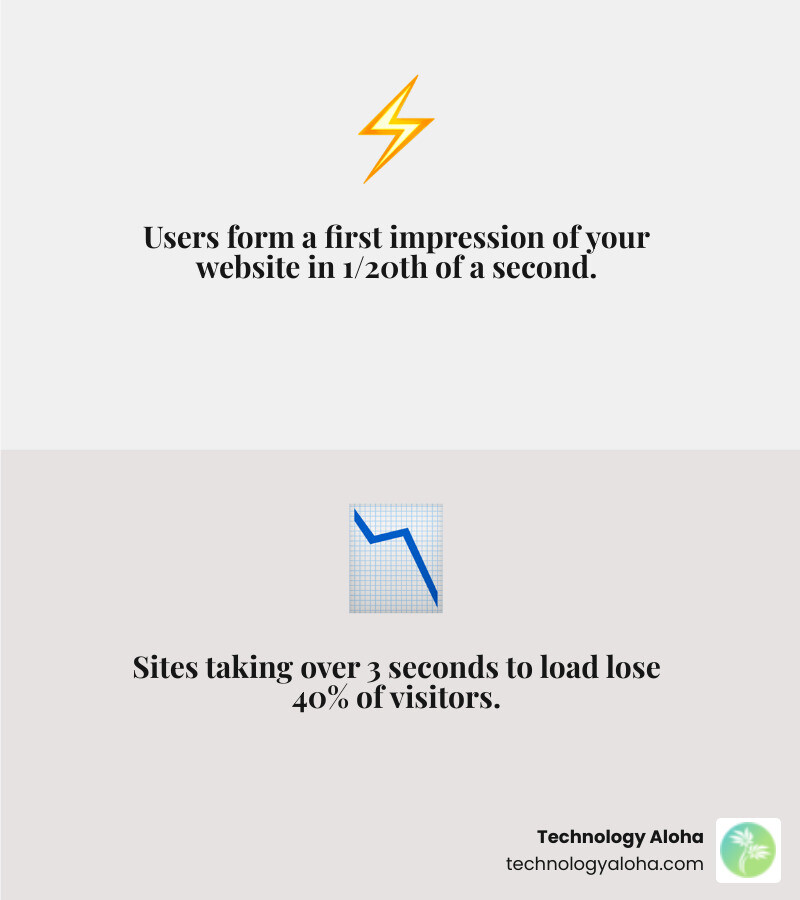
Users form a first impression of your website in one-twentieth of a second. Not a few seconds. Not after they scroll. Before they’ve consciously processed anything.
That’s the environment your website competes in.
And the stakes are concrete. A site that takes more than three seconds to load loses 40% of its visitors — gone before they’ve seen a single word of your offer. For a small business fighting for every lead, that’s not a technical problem. That’s a revenue problem.
The good news: performance is buildable. It’s not luck or budget — it’s architecture, decisions, and priorities made at every stage of a build.
This guide breaks down exactly how high-performance websites are built in 2025 — from Core Web Vitals benchmarks to infrastructure choices to the quick wins that move the needle fastest.
Defining the Architecture of High Performance Website Builds
When we talk about high performance website builds, we are moving beyond the idea of a website as a digital business card. According to data from The 2025 Web Almanac, a high-performance site is a multifaceted business tool. It serves as a 24/7 brand ambassador, an operational hub, and a primary sales engine.
At Technology Aloha, we view these builds as hardworking assets. While the industry standard for a website’s lifespan is often cited as 2–3 years, a high-performance build is designed for longevity, often remaining effective for 5 years or more. This durability comes from a focus on scalability and technical excellence.
Investing in a high-performance build leads to More traffic and growth. By ensuring the site is accessible, fast, and intuitive, we remove the friction that prevents a visitor from becoming a lead. A well-designed site is one that a user doesn’t have to “think” about—the navigation is seamless, and the information they need is delivered instantly.
Core Web Vitals: The Gold Standard for 2025
Google’s User-centric performance metrics have fundamentally changed how we measure success. Instead of looking at a single “load time” number, we now focus on three specific pillars known as Core Web Vitals (CWV):
- Largest Contentful Paint (LCP): This measures perceived load speed. It marks the point in the page load timeline when the main content has likely loaded. A “good” score is 2.5 seconds or less.
- Interaction to Next Paint (INP): This replaced First Input Delay (FID) to better measure responsiveness. It tracks the latency of all user interactions (clicks, taps, keyboard presses). A “good” score is under 200 milliseconds.
- Cumulative Layout Shift (CLS): This measures visual stability. Have you ever tried to click a button only for the page to jump, causing you to click an ad instead? That’s a high CLS. A “good” score is less than 0.1.
To “pass” the Core Web Vitals assessment, a site must meet these targets at the 75th percentile of real-user visits. This means we don’t just optimize for ourselves on a fast office connection; we optimize for the person on a three-year-old smartphone using a spotty mobile signal in Kahului.
Mobile-First Indexing and Performance Trends
The shift to mobile is no longer a trend—it is the reality. As of late 2024, approximately 64% of all internet traffic comes from mobile devices. Google has responded by using mobile-first indexing, meaning the mobile version of your site is the one that determines your search engine rankings.
However, there is a performance gap. In 2025, while 56% of desktop websites achieved “good” CWV scores, only 48% of mobile websites did the same. This 8% gap represents a massive opportunity for businesses that prioritize Responsive web design.
Interestingly, the 2025 data shows a “U-shaped” performance pattern. The most popular sites (top 1,000) and the very small, simple sites tend to perform best. The “middle” sites—often those with high complexity but limited optimization resources—struggle the most. Our goal is to bring enterprise-level optimization to every build, ensuring that mobile users have an experience that matches or exceeds desktop performance.
Technical Optimization for Speed and Responsiveness
Building for speed requires an understanding of the critical rendering path—the sequence of steps the browser takes to convert HTML, CSS, and JavaScript into pixels on the screen.
| Metric | Focus Area | 2025 Good Benchmark |
|---|---|---|
| TTFB (Time to First Byte) | Server/Network Speed | < 0.8 seconds |
| FCP (First Contentful Paint) | Initial Visual Feedback | < 1.8 seconds |
| LCP (Largest Contentful Paint) | Primary Content Load | < 2.5 seconds |
To master Web performance basics, we must eliminate render-blocking resources. These are files (usually CSS and JavaScript) that the browser must download and process before it can show anything to the user. By using async and defer attributes, we can tell the browser to download these files in the background, allowing the main content to appear much faster.
Modern Image Formats and Delivery
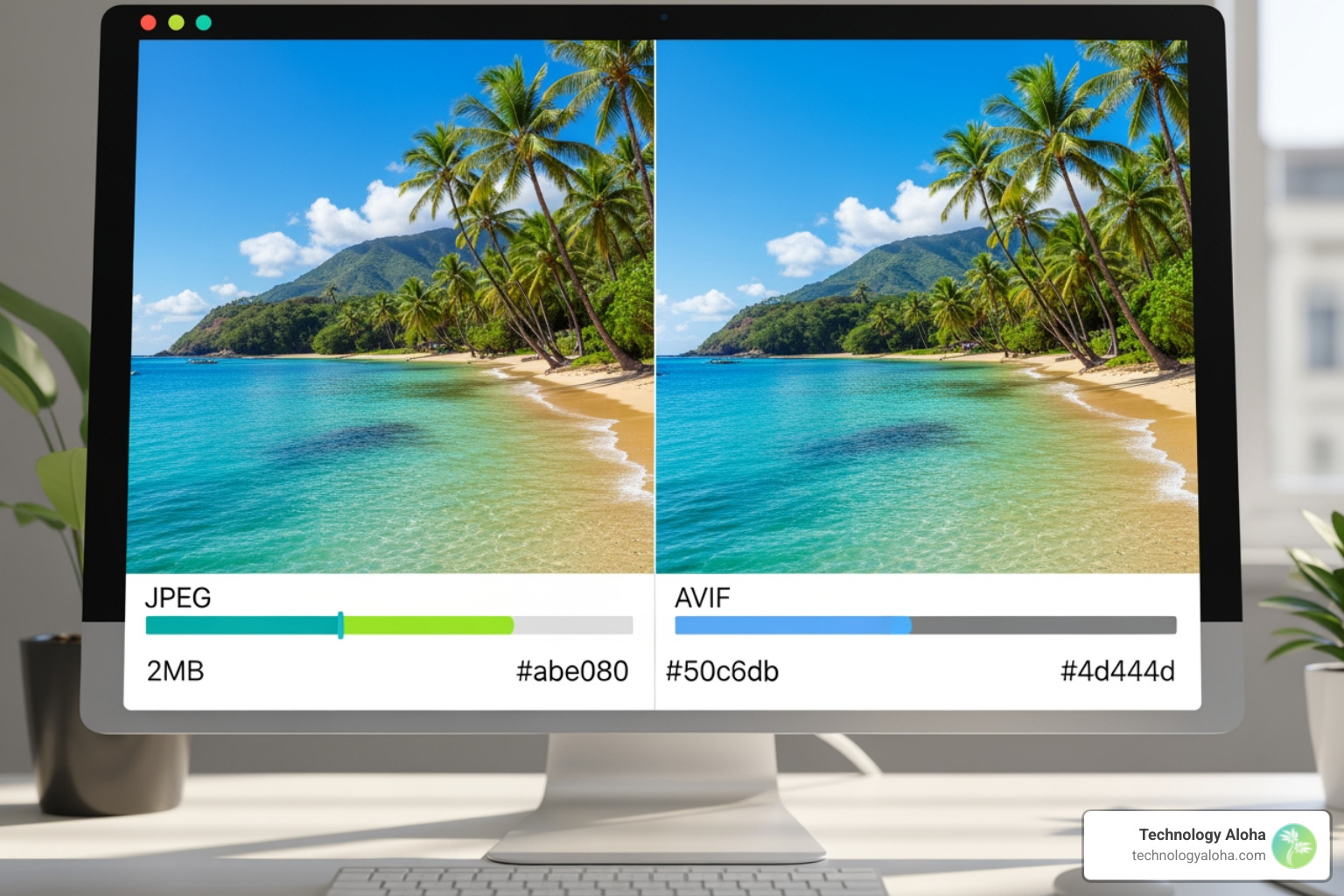
Images are often the heaviest part of a webpage, accounting for the majority of LCP elements. In 2025, high-performance builds move away from traditional JPEGs and PNGs in favor of next-generation formats:
- WebP: Offers a 25–34% reduction in file size compared to JPEG and a 26% reduction compared to PNG.
- AVIF: Even more efficient, offering a ~50% reduction from JPEG and up to 70% from PNG.
Both formats are now supported in WordPress and all modern browsers.
Beyond format, we use several strategies for image delivery:
- Explicit Sizing: Always define
widthandheightattributes to prevent layout shifts (CLS). - Lazy Loading: We use the
loading="lazy"attribute for images below the fold, so they only download as the user scrolls. - Fetch Priority: For the main hero image (the LCP element), we use
fetchpriority="high"to tell the browser to prioritize that specific file above all others.
Infrastructure for High Performance Website Builds
The foundation of speed is your hosting environment. If your server is slow, no amount of front-end optimization will save your LCP score. We focus on Website speed optimization by selecting infrastructure that minimizes Time to First Byte (TTFB).
A Content Delivery Network (CDN) like Cloudflare is essential. A CDN stores copies of your site on servers around the world. When a user in Hawaii visits your site, the data is served from a local server rather than one in Virginia, drastically reducing latency.
Modern protocols also play a role. HTTP/3 and emerging features like Early Hints allow the server to send “pre-load” instructions to the browser while it is still generating the HTML. This lets the browser start downloading fonts and CSS before it even knows exactly what the page looks like, shaving hundreds of milliseconds off the load time.
Advanced Strategies for Instantaneous Interactivity
For a website to feel “high performance,” it needs to be more than just fast—it needs to feel instantaneous. This is where speculative loading comes in.
By using Speculation Rules, a feature now Speculative loading in WordPress, the browser can pre-render pages it thinks the user will click on next. If a user hovers over a link, the browser can start loading that page in the background. When the user finally clicks, the page appears to load instantly because it was already waiting in the browser’s memory.
We also utilize the Back/Forward Cache (bfcache). This allows the browser to restore a page from memory instantly when a user clicks the “back” button, rather than reloading it from scratch. To ensure eligibility, we avoid using unload handlers and ensure our Cache-Control headers are configured correctly.
Minimizing JavaScript Overhead
JavaScript is the most “expensive” resource on the web. While an image only needs to be downloaded, JavaScript must be downloaded, unzipped, parsed, compiled, and executed. This process happens on the “main thread,” and if the main thread is busy, the page won’t respond to user clicks, leading to a poor INP score.
To combat The cost of JavaScript, we use Partial Hydration. Instead of loading a massive framework for the entire page, we only send the JavaScript needed for interactive elements (like a menu or a form).
Typography is another hidden performance killer. A study by KeyCDN found that self-hosting fonts reduced the time to first paint by around 700ms compared to using Google Fonts. Local hosting eliminates DNS lookups and connection setup time to external servers.
Best Practices for High Performance Website Builds
A high-performance build isn’t a “one-and-done” project. It requires a commitment to clean code and a modular architecture. We use lightweight themes and builders that produce minimal bloat. For example, some professional themes add only 7.5 KB to a page, whereas bulky “drag-and-drop” builders can add several megabytes of unnecessary code.
Key best practices include:
- Global Styles: Using centralized CSS variables to reduce redundancy.
- Minification: Removing unnecessary characters from code files to shrink their size.
- Database Optimization: Regularly cleaning up revisions, transients, and “bloat” to keep the server running smoothly.
Because the web is constantly changing, Professional website maintenance is non-negotiable. Regular audits ensure that new plugins or content updates haven’t degraded the performance we worked so hard to achieve.
Measuring and Maintaining Peak Performance
You cannot improve what you do not measure. We use PageSpeed Insights to track both “Lab Data” (simulated tests) and “Field Data” (real-world user experiences from the Chrome UX Report, or CrUX).
We also implement Performance Budgets. Just like a financial budget, a performance budget sets limits on things like total JavaScript size or the number of third-party scripts. If a new feature would push us over the budget, we have to find a way to optimize elsewhere before it can be added. We typically use a baseline of a 1.6 Mbps connection (Mobile 3G Fast) to ensure the site works for everyone, not just those on 5G.
Why do secondary pages often perform better than homepages?
It’s a common surprise: your “About” or “Service” pages often have better Core Web Vitals scores than your homepage. In fact, secondary pages show a 14% higher CWV pass rate on desktop.
This happens for three reasons:
- Caching: By the time a user reaches a secondary page, the browser has already cached the logo, CSS, and main fonts.
- Simpler Templating: Homepages are often “heavy” with sliders, hero videos, and multiple dynamic sections. Secondary pages tend to be more text-focused and streamlined.
- Reduced Third-Party Bloat: Tracking pixels and chat widgets often fire most aggressively on the homepage, leaving secondary pages lighter.
How does site popularity impact performance outcomes?
There is a fascinating correlation between a site’s popularity and its performance. The top 1,000 websites often have better INP scores because they have dedicated engineering teams to manually optimize JavaScript.
However, smaller “long-tail” sites are catching up. This is because modern CMS platforms (like WordPress) are baking high-performance defaults—like Speculation Rules and better image handling—directly into the core software. This means that a small business in Hawaii can now achieve performance levels that used to require a six-figure development budget.
What are the quickest wins for immediate performance gains?
If your site is currently struggling, you don’t always need a full rebuild. Here are the “Quick Wins” we recommend:
- Image Compression: Use tools like TinyPNG or plugins like ShortPixel to shrink existing images.
- Font Self-Hosting: Move your fonts from Google’s servers to your own.
- Caching Activation: Ensure you have page caching and browser caching enabled.
- Plugin Audit: Deactivate any plugin that isn’t strictly necessary for your business goals.
- CDN Implementation: Sign up for a service like Cloudflare to put your content closer to your users.
What are the key takeaways from this high-performance website build guide?
In the competitive digital landscape of Hawaii, a slow website is a silent business killer. High performance website builds are not just about technical vanity; they are about respecting your user’s time and building the trust necessary for conversion.
At Technology Aloha, we blend data-driven insights with cohesive branding and user-centric design to build websites that don’t just look stunning but perform at the highest level. Whether you are in Kahului or anywhere across the islands, your business deserves a digital asset that works as hard as you do.
Ready to elevate your digital presence? Explore our High-performance website services and let’s build something that grows with you.