What Happens After Your Website Launches? The Importance of Ongoing Support
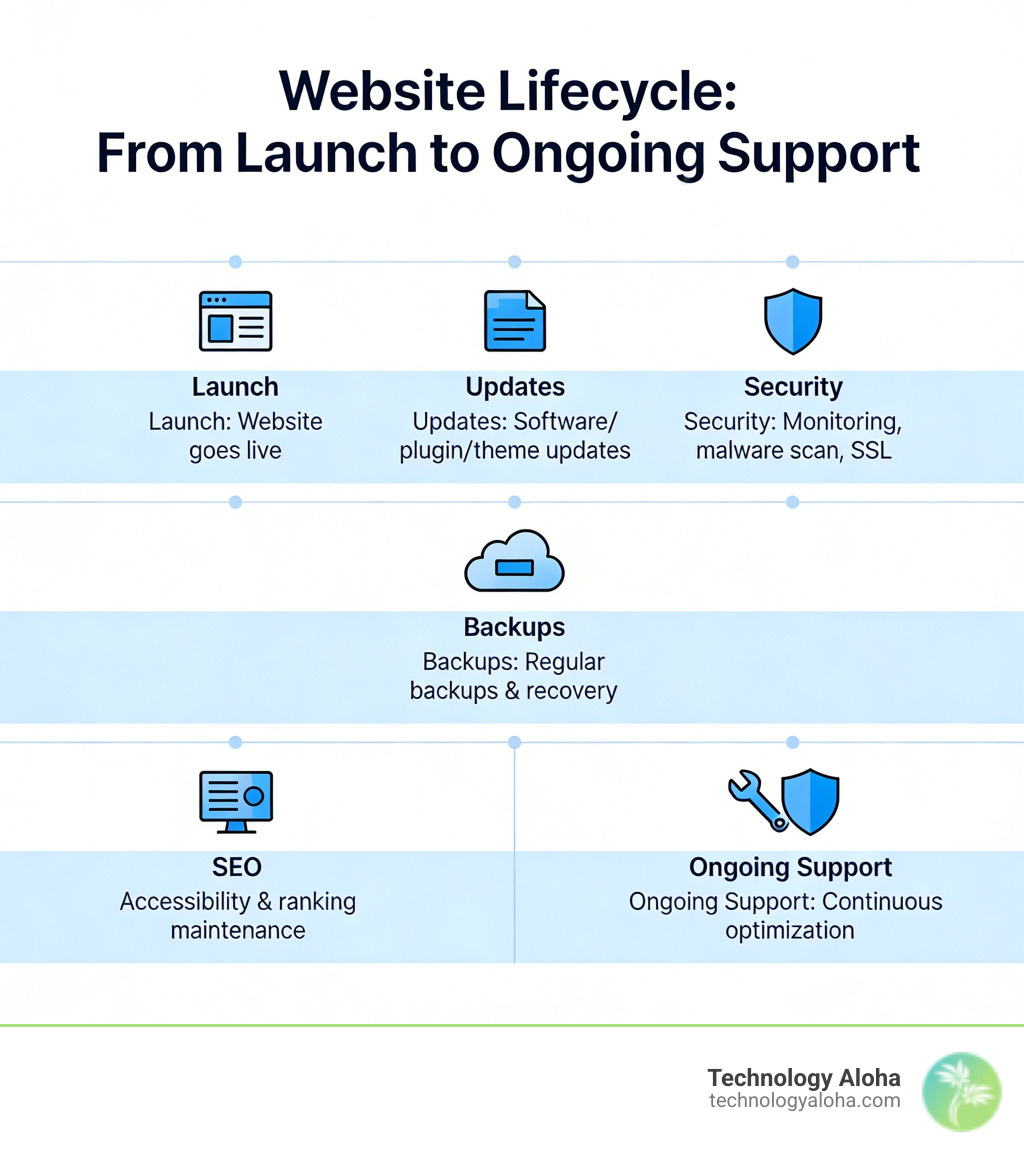
Ongoing website support is the ongoing process of maintaining, securing, and improving your website after it goes live — so it stays fast, safe, and effective for your business.

Here’s what it typically includes:
- Regular software, plugin, and theme updates
- Security monitoring, malware scanning, and SSL management
- Performance optimization and uptime monitoring
- Backups and recovery systems
- Broken link fixes and content refreshes
- SEO and accessibility maintenance
Most business owners treat launch day as the finish line. It isn’t. It’s the starting gun.
Your website is a living system. Plugins conflict. Algorithms shift. Hackers probe. Content goes stale. And every week you go without maintenance, the risk quietly compounds.
Think of it this way: you wouldn’t drive a car for three years without an oil change, then wonder why the engine seized. A website works the same way. The upkeep isn’t optional — it’s what keeps the investment from deteriorating.
The industry benchmark for website uptime is 99.9%. Getting anywhere near that number doesn’t happen by accident. It happens because someone is paying attention.
For small business owners, this matters more than most realize. Your website is often the first — and sometimes only — impression a potential client gets. A slow load time, a broken contact form, or a security warning in the browser can end that relationship before it starts.
The good news: you don’t have to manage this alone.
What is ongoing website support and why is it essential?
Ongoing website support is not a luxury; it is a strategic requirement for any business that intends to remain visible and viable online. At its core, website support is the proactive management of your digital infrastructure to ensure it remains secure, functional, and aligned with your business goals.
Routine website maintenance is a strategic investment in the long-term success of your online presence. Without it, the “digital decay” begins. This decay isn’t always visible immediately. It starts with a plugin becoming slightly outdated, leading to a minor layout shift on mobile devices. Then, a security patch is missed, leaving a back door open for malicious scripts.
For businesses in Hawaii, from Kahului to the North Shore, your website serves as your 24/7 storefront. If that storefront has a “broken window” in the form of a 404 error or a slow-loading gallery, your brand reputation takes a hit. Research into professional website maintenance why you need it confirms that visitors equate website quality with service quality. If you cannot maintain your own website, a customer may wonder if you can maintain the quality of your products or services.
Furthermore, ongoing website support fuels business growth. A well-maintained site provides a seamless user experience, which is the foundation of high conversion rates. When your site works perfectly, users trust you. When they trust you, they click “Contact” or “Buy.” Support ensures that the path to conversion remains unobstructed by technical glitches.
The core components of a healthy digital presence
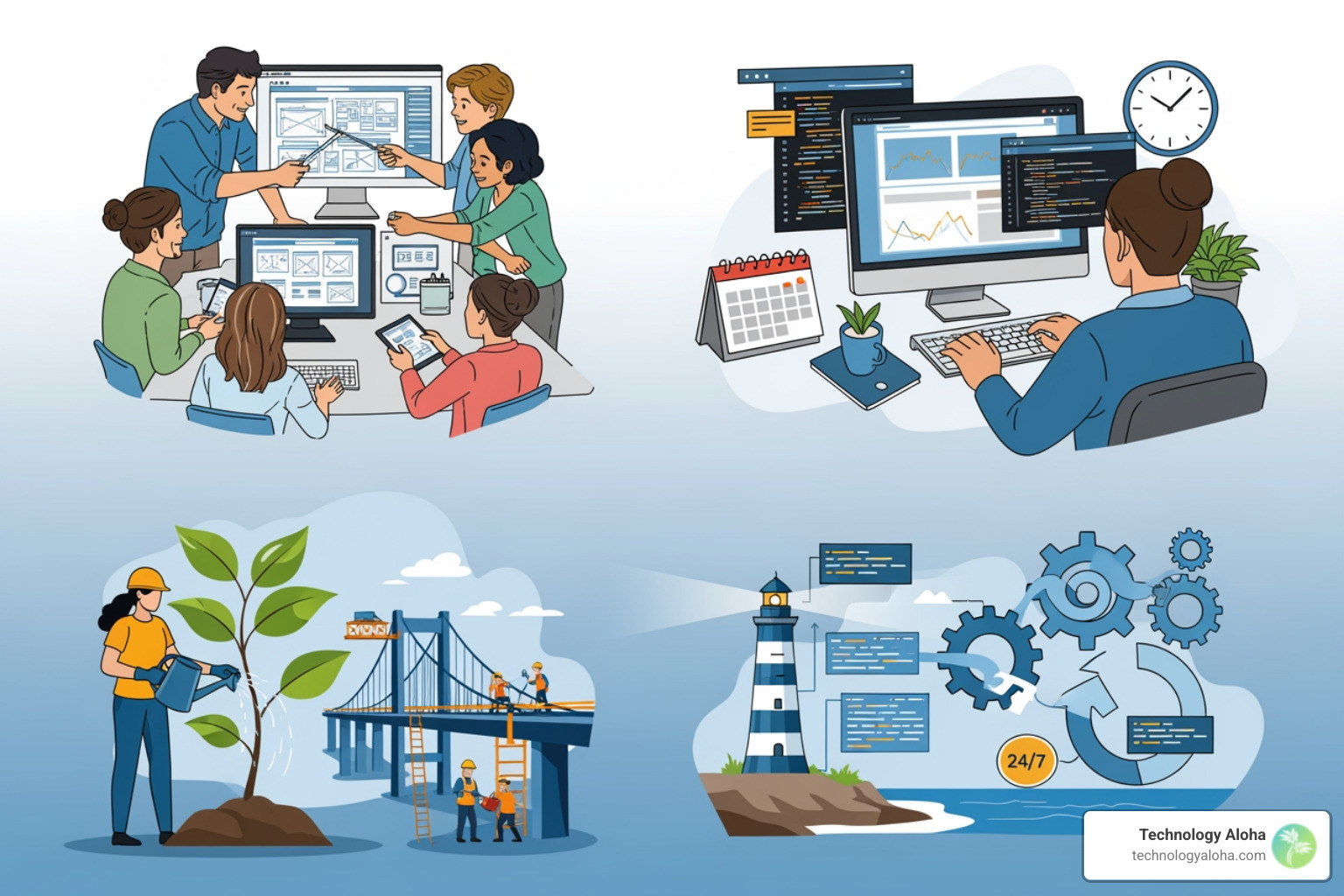
A healthy website is built on several pillars that require constant attention. You cannot simply “set it and forget it” because the environment around your website—browsers, search engine algorithms, and security threats—is constantly changing.
Software Updates and Stability
The engine of your site is the Content Management System (CMS), such as WordPress. This core software, along with the themes and plugins that provide your site’s design and functionality, requires regular patching. Developers release updates to fix bugs, add features, and, most importantly, close security holes. Neglecting these updates is the leading cause of website instability and hacks.
Data Protection
Data is the lifeblood of modern business, yet research shows that 58% of data backups fail. A robust website maintenance plan includes automated, off-site backups with regular restore testing. If your server crashes or a “safe” update breaks the layout, a reliable backup is the only thing standing between a quick fix and a total loss of your digital assets.
Content and Functionality
A healthy site is a current site. This involves fixing broken links, updating outdated copyright dates (nothing says “we’ve gone out of business” like a footer that says © 2019), and refreshing content to keep it relevant for your audience.
How ongoing website support impacts security and SEO
Security and SEO are two sides of the same coin. Search engines like Google prioritize the safety and experience of their users. If your site is compromised or performs poorly, your rankings will suffer.
- Malware Prevention: Proactive support includes 24/7 security monitoring and firewalls to block threats before they reach your core files.
- SSL Management: An expired SSL certificate triggers a “Your connection is not private” warning in browsers, scaring off nearly all potential traffic.
- The SEO Connection: Search Engine Optimization (SEO) drives 1,000%+ more traffic than social media. However, SEO is not a one-time setup. It requires ongoing technical tweaks, such as website speed optimization, to ensure your site meets Google’s Core Web Vitals. A fast, mobile-responsive site is a site that ranks.
Proactive monitoring in ongoing website support
Reactive support—fixing things only after they break—is expensive and stressful. Proactive monitoring identifies bottlenecks before they become outages.
- Uptime Monitoring: With a 99.9% uptime benchmark, every minute of downtime is lost revenue. Real-time alerts notify your support team the second a site goes offline so it can be restored immediately.
- Accessibility: Ensuring your site follows WCAG (Web Content Accessibility Guidelines) is not just about inclusivity; it’s often a legal requirement. A managed website accessibility service ensures that keyboard navigation, screen reader support, and color contrast remain compliant as you add new content.
Professional services vs. DIY: Choosing your support model
Many business owners start with a DIY approach to maintenance. However, “DIY burnout” is real. As your business grows, the time required to safely update plugins, check for broken links, and monitor security becomes a burden that pulls you away from your actual work.
The DIY Risk
The danger of DIY isn’t just the time; it’s the lack of a safety net. If you click “Update” and your entire site goes white, do you know how to troubleshoot the PHP error or restore the database manually? Most do not.
The Professional Advantage
Professional support offers expert manual management. While some companies use automated tools, the best models (often called concierge models) involve human checks. A human developer can see if a plugin update moved your “Buy Now” button behind an image—an automated tool might miss that as long as the code technically “works.”
For specific sectors, the stakes are even higher. Statistics show that 27% of non-profits have fallen victim to cyberattacks. Professional support provides the peace of mind that sensitive donor or customer data is being guarded by specialists.
The economics of maintenance: Costs and frequencies
The cost of ongoing website support varies based on the complexity of the site and the level of “high-touch” service required. Generally, corporate and eCommerce sites require more frequent attention than a simple brochure site.
When evaluating how much does website maintenance cost in 2019 and beyond, consider the ROI of prevention. An emergency “hack recovery” service can cost thousands of dollars and result in days of lost revenue, whereas a monthly support plan prevents the issue from occurring in the first place.
| Model | Typical Monthly Range | Best For |
|---|---|---|
| Basic Maintenance | $50 – $250 | Small business sites, blogs, low-traffic sites. |
| Professional/Concierge | $250 – $750 | Corporate sites, active marketing sites, high-traffic blogs. |
| eCommerce/Advanced | $750 – $5,000+ | Online stores, complex integrations, high-security needs. |
| Hourly Support | $15 – $200 (per hour) | One-time fixes or very infrequent updates. |
Frequently Asked Questions about website care
How often should website maintenance tasks be performed?
Frequency depends on the task. A healthy schedule typically looks like this:
- Weekly: Software, plugin, and theme updates; uptime monitoring; visual site checks.
- Monthly: Security scans; performance audits; broken link checks; full site backups.
- Quarterly: Technical SEO audits; accessibility testing; content refreshes; database optimization.
- Annually: Domain renewal; SSL certificate renewal; high-level strategy review.
Which types of websites require the most support?
- WordPress Sites: Because WordPress is open-source and uses third-party plugins, it requires frequent updates to stay secure.
- eCommerce Sites: These require the highest level of support to protect payment gateways, manage inventory syncs, and ensure the checkout process never breaks.
- Nonprofit Sites: These are frequent targets for hackers due to donor data and require rigorous security monitoring.
What are the risks of neglecting website maintenance?
Neglect leads to a “death by a thousand cuts.”
- Security Vulnerabilities: Outdated software is the #1 entry point for hackers.
- Poor User Experience: Slow speeds and broken features drive customers to your competitors.
- Negative SEO Impact: Google will penalize your rankings if your site is slow, insecure, or full of errors.
- Lost Revenue: If your contact form or checkout breaks and you don’t notice for a week, those leads and sales are gone forever.
Conclusion
At Technology Aloha, we understand that your website is more than just code—it’s the digital heart of your business. Based in Kahului, Hawaii, we specialize in providing data-driven insights that blend cohesive branding with high-conversion designs. We don’t just build websites; we partner with you to ensure they remain sustainable and successful through ongoing website support.
Investing in a “forever friend” for your website means you can stop worrying about technical glitches and start focusing on what you do best: running your business.
Ready to protect your investment? More info about ongoing support services